A tour of our new website (live) and iPhone and Android app (coming soon): find a salon space, plan your stays, follow invoices, and get the help you need.
Your next working day starts with finding the right space. The new Beauty SalonBnB website brings our locations, bookings, memberships, and account tools together, with a refreshed look that works on your phone as well as your computer.
We’ve also been building companion iPhone and Android apps. Here’s a tour of the website you can use now, plus a first look at the mobile experience currently in testing.
Find a space that fits the way you work
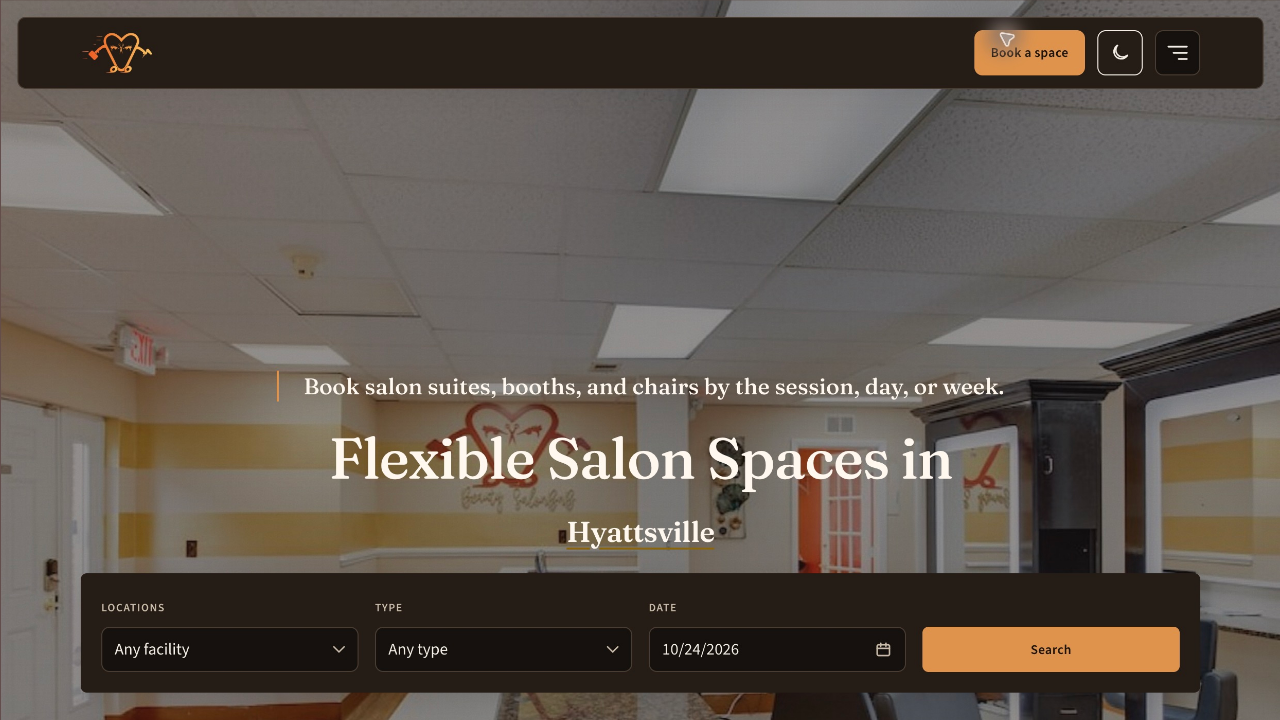
Start on the homepage: choose a location, the type of space you need, and your date. Looking for privacy? Explore a suite. Prefer a station in a shared salon? Browse booths and chairs.
The booking finder lets you narrow the results further by space or facility name. Photos help you compare the setting before opening a space to see its available stays. You can spend less time searching through a long list and more time choosing somewhere that feels right for your clients.
Explore the neighbourhood before you book
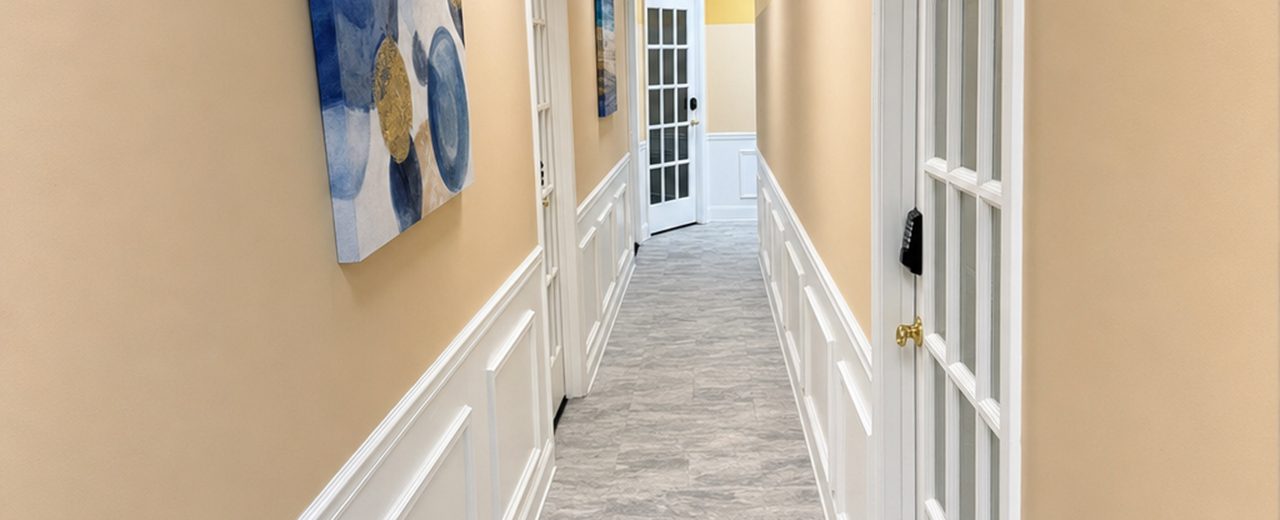
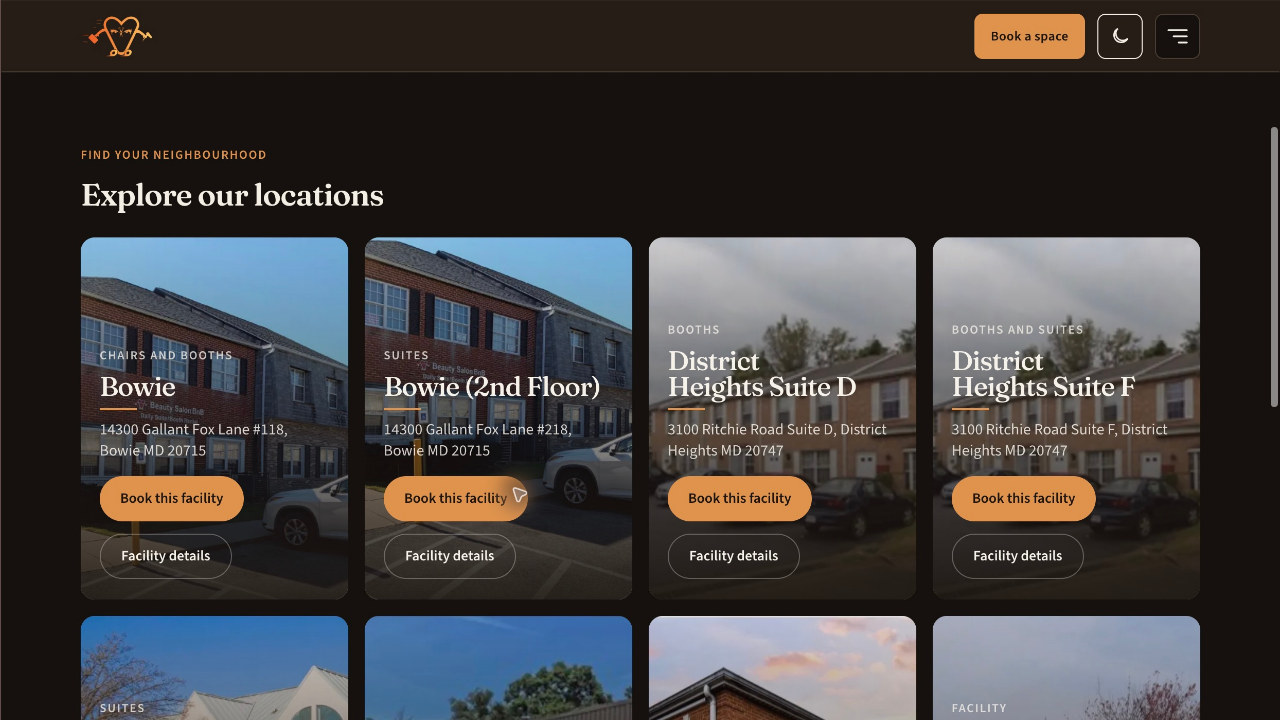
The new Facilities page puts our locations in one place, with photographs, addresses, and links to each facility’s details and bookable spaces. Compare locations near you or explore a different area as your business grows.
Would you rather see a salon in person first? Request a tour and bring your questions. The website also includes FAQs to help you prepare for your first visit.
Plan one day—or a series of working days
Choose a preset session or a full day and check the exact start and finish times. Where extra hours are available, you can start earlier or stay later and review the updated price before continuing to payment.
For a regular working pattern, repeat a stay across multiple dates instead of starting again for every day. Review the selected dates together, then complete one checkout. Availability and any offered extensions are checked as part of booking.
Have a promo code? Apply it before paying and review the discount in your total. Eligible membership benefits are reflected in the price too. You can compare the available membership plans to find the benefits that suit your business.
A clearer record of what you booked and paid
Your account brings bookings and invoices together. Open a booking to review its space, date, times, and status, or open the linked invoice to see the payment record.
Invoices show the charges and applicable discounts, including promotions, alongside payments and any later adjustments or refunds. Booking confirmation emails include a PDF invoice, giving you a copy to keep for your records. When plans change, the booking and invoice history helps you follow what happened without piecing together separate messages.
A first look at the iPhone and Android apps
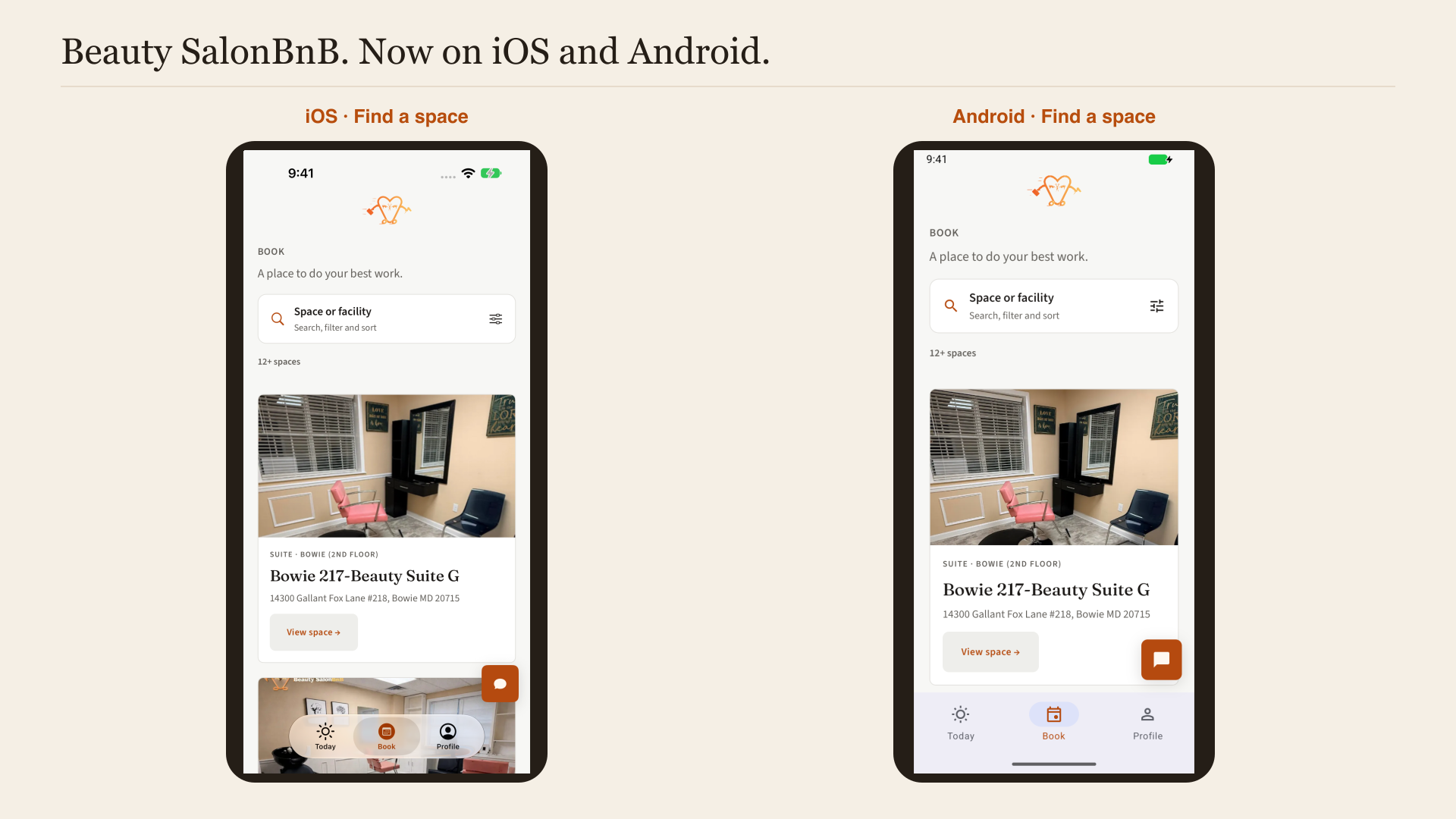
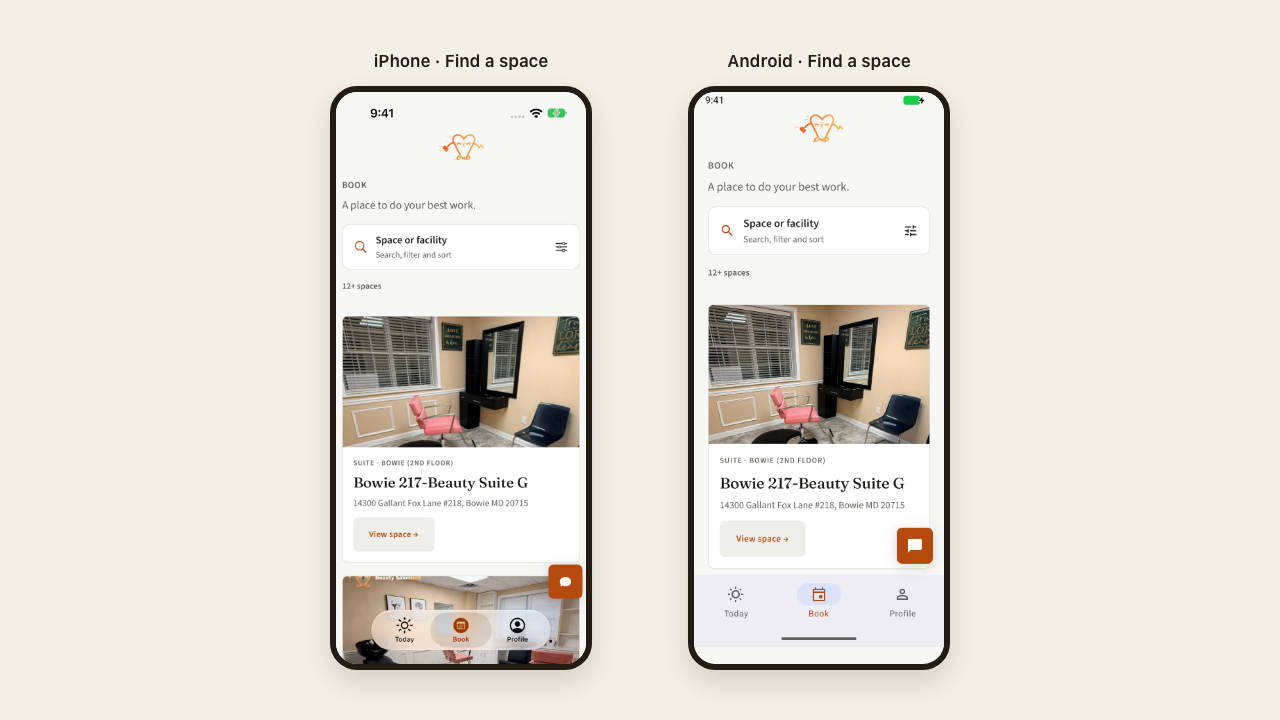
The companion apps organise the essentials around three tabs:
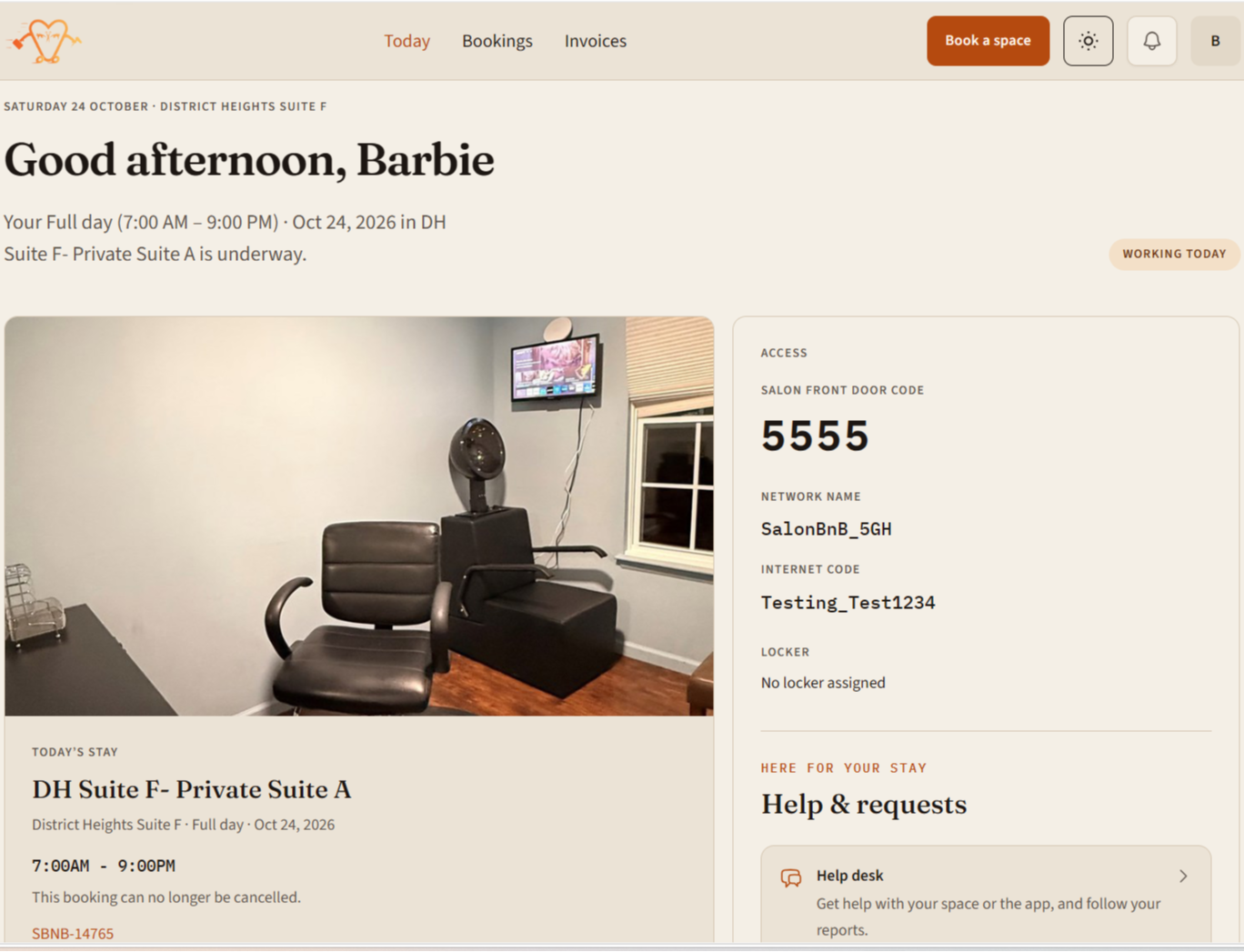
Today: see your stay and the information you need for your working day.
Book: browse photographed spaces, search and filter, and choose a stay.
Profile: find your bookings, invoices, membership, and account details.
The screenshots below show the space finder on both platforms. The apps are currently in testing; these previews are not an announcement of public App Store or Google Play availability. Watch News for release updates.
Access details and help when you need them
Access information is kept with your account and stay, rather than buried in a long message. Door codes are labelled for the entrance they open, and available Wi-Fi and assigned locker details appear alongside them. Codes are shown only when your booking or eligible membership permits access.
If something needs attention, open Help desk. Describe the issue, format the details, and attach photographs or a PDF when they help explain it. Your ticket history keeps the report and replies together so you can follow the conversation.
Make yourself at home
You can sign in with an emailed secure code, use your password, or choose an available social sign-in option. Light and dark themes let you choose the appearance you prefer.
Whether you need a space for your next appointment or are planning several working days, the goal is the same: give you a clear way to find a space, understand your booking, and get on with serving your clients.